
PEAK with the new function designed to enhance efficiency.
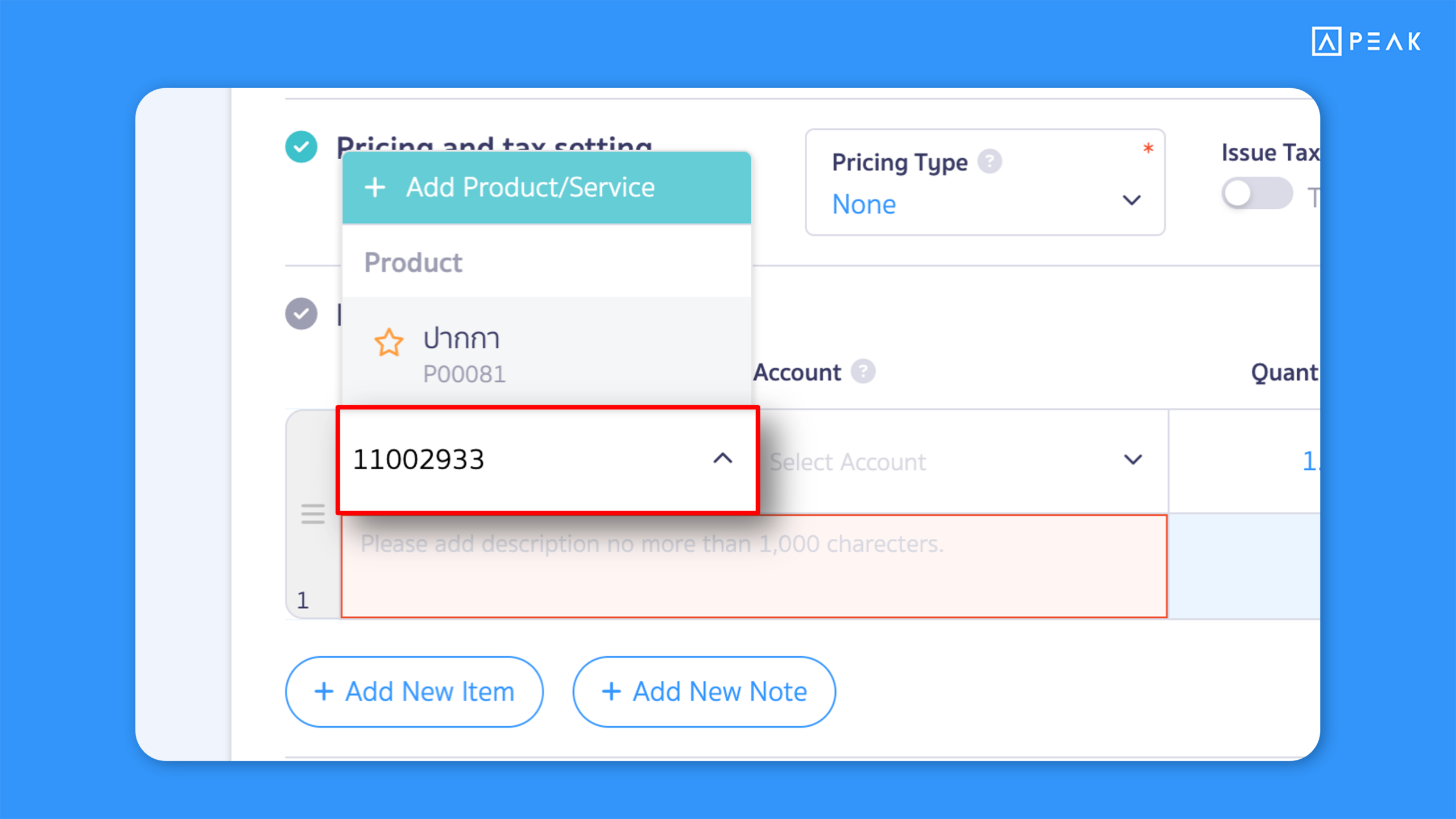
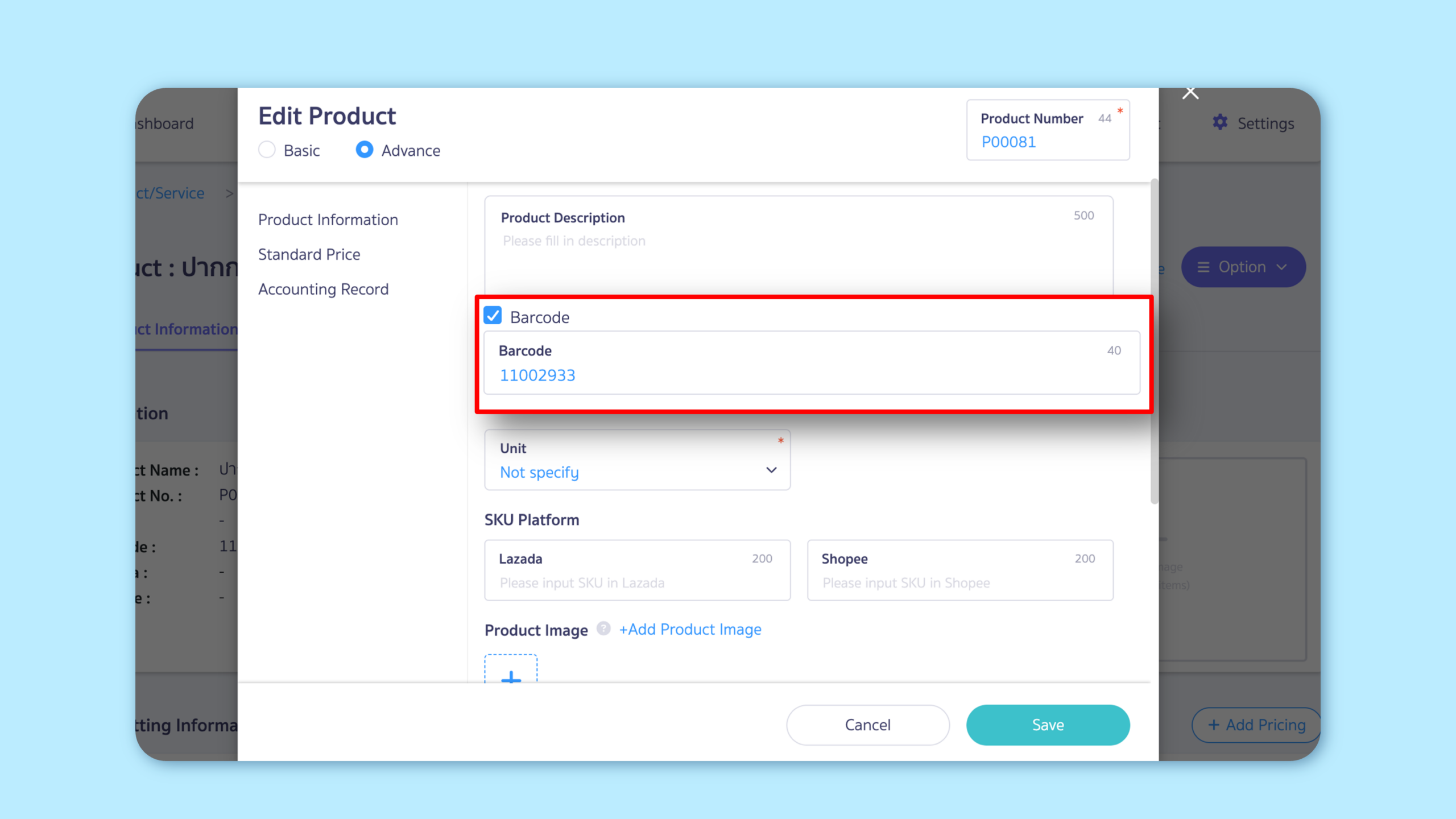
Added barcode search for products/services on the document creation page, allowing users to find items and create documents faster and more conveniently.
Suitable for: All package users
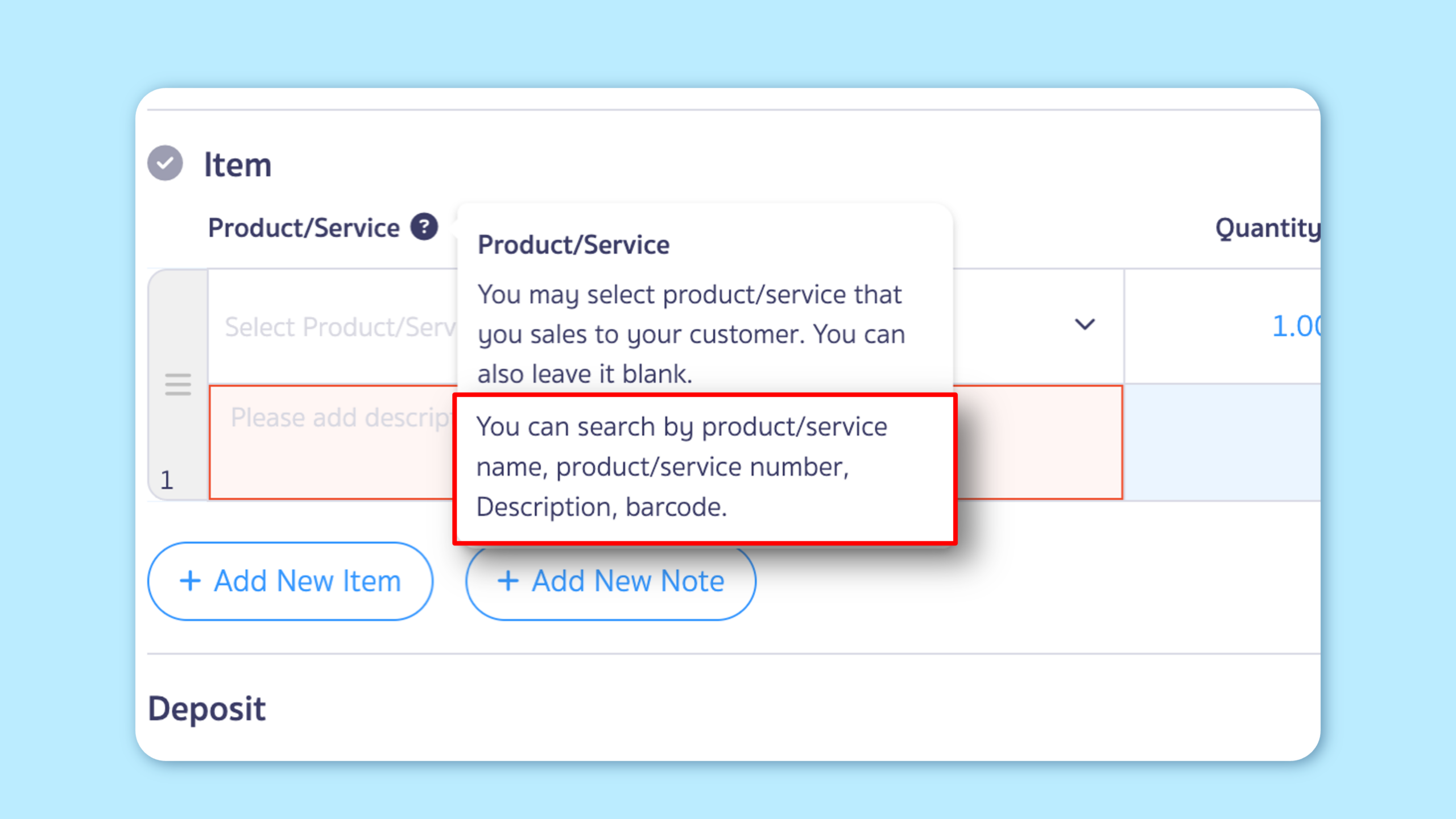
Highlight: Users can now search for products/services using a barcode directly on the document creation page. This enhancement helps barcode users add items more quickly. The system also updates search suggestions to show available searchable fields.
Previously, Search supported only product/service name, product/service code, and description.
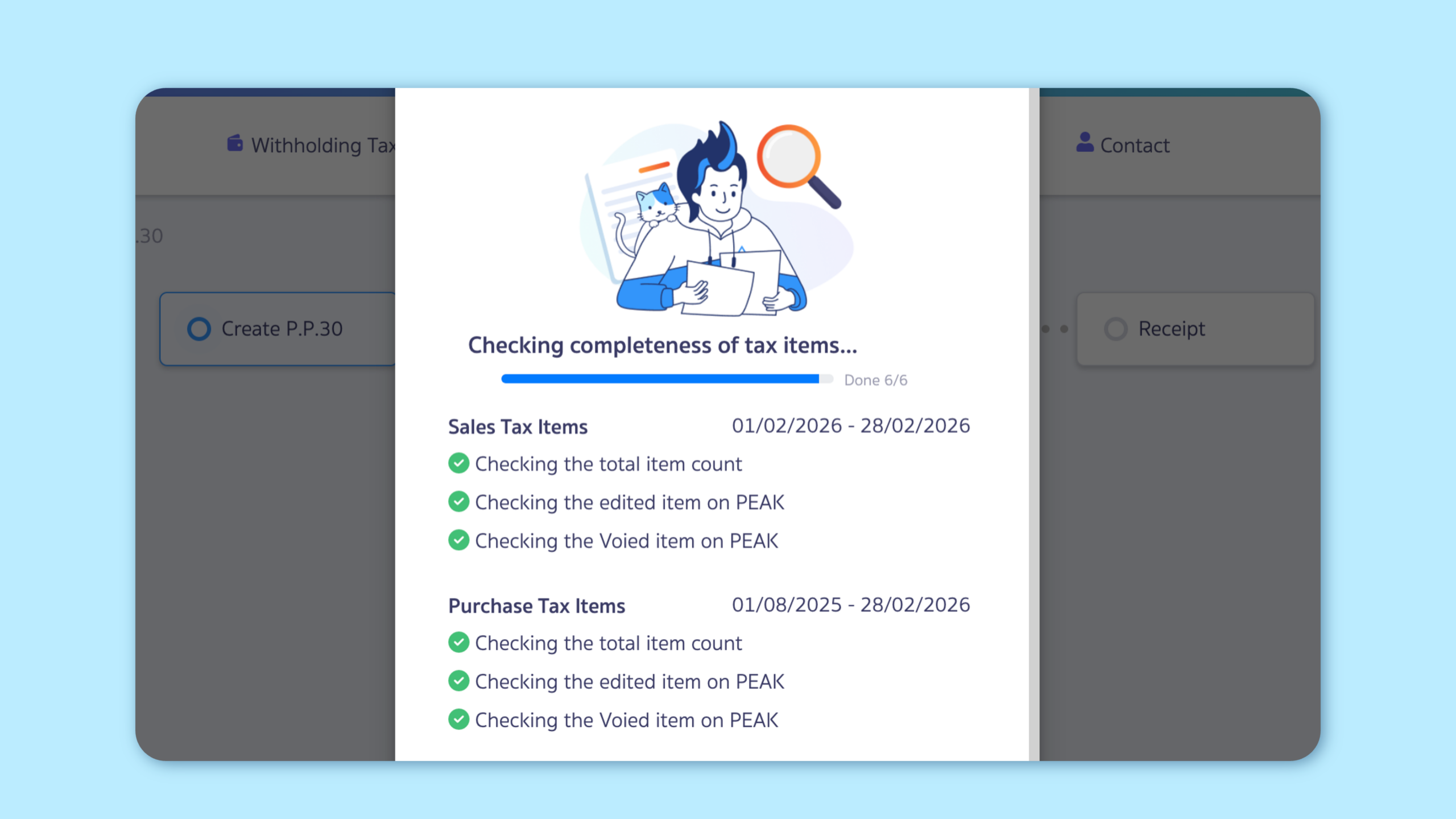
2. Introduced a validation system that checks edited or voided transactions from the accounting system before approving tax forms in PEAK TAX, helping reduce errors and improve tax filing accuracy.
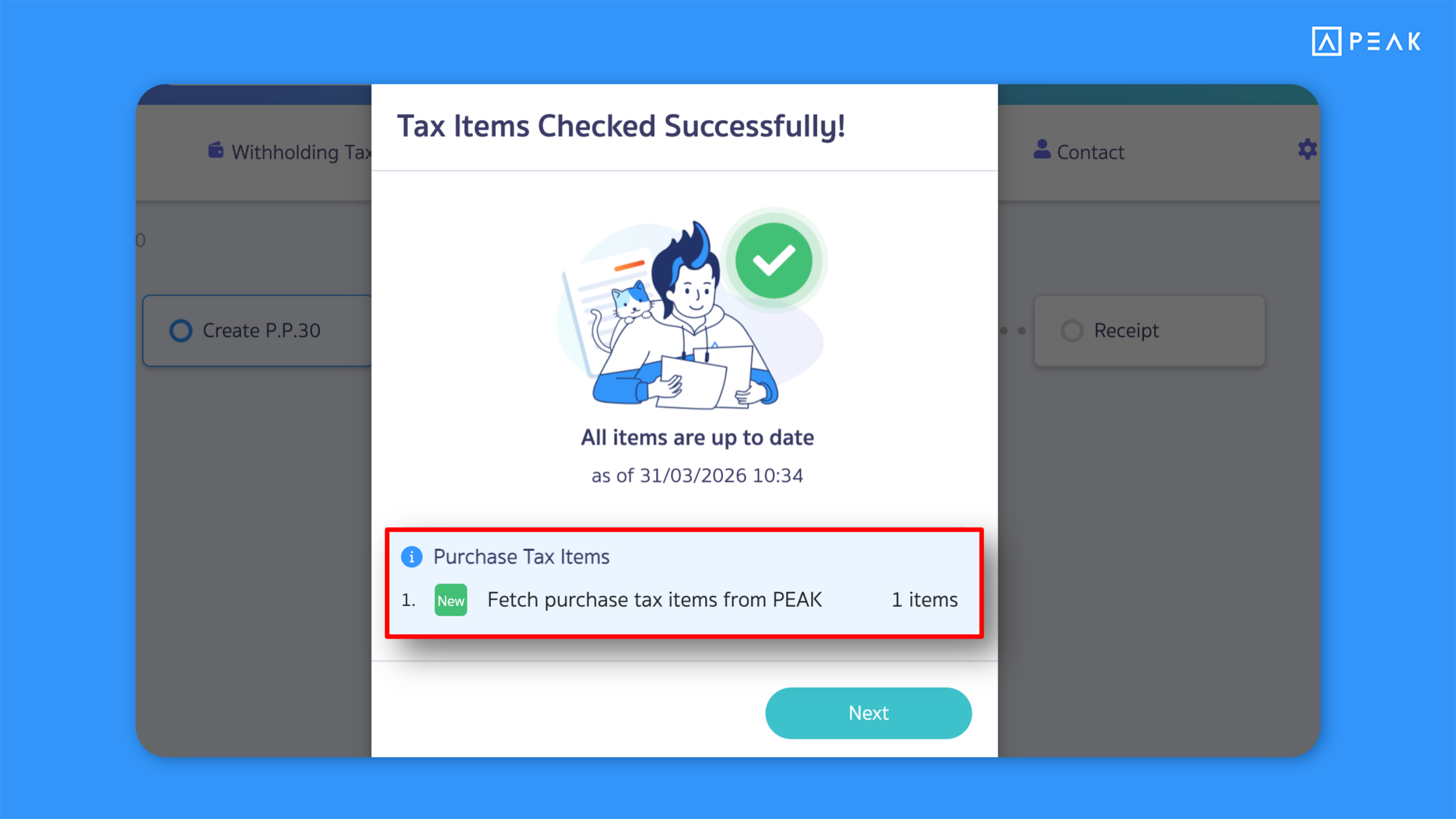
Suitable for: BASIC package and above using PEAK TAX
Highlight: Each time a tax form is created, the system automatically checks and updates transactions that were edited or voided in the accounting system (for users who do not enable automatic data synchronization). This ensures data accuracy before tax form approval.
Note:
- Tax transactions canceled in the accounting system will not be removed from PEAK TAX.
- If tax transactions are edited or voided directly in PEAK TAX, the system will not update those changes during tax form creation.
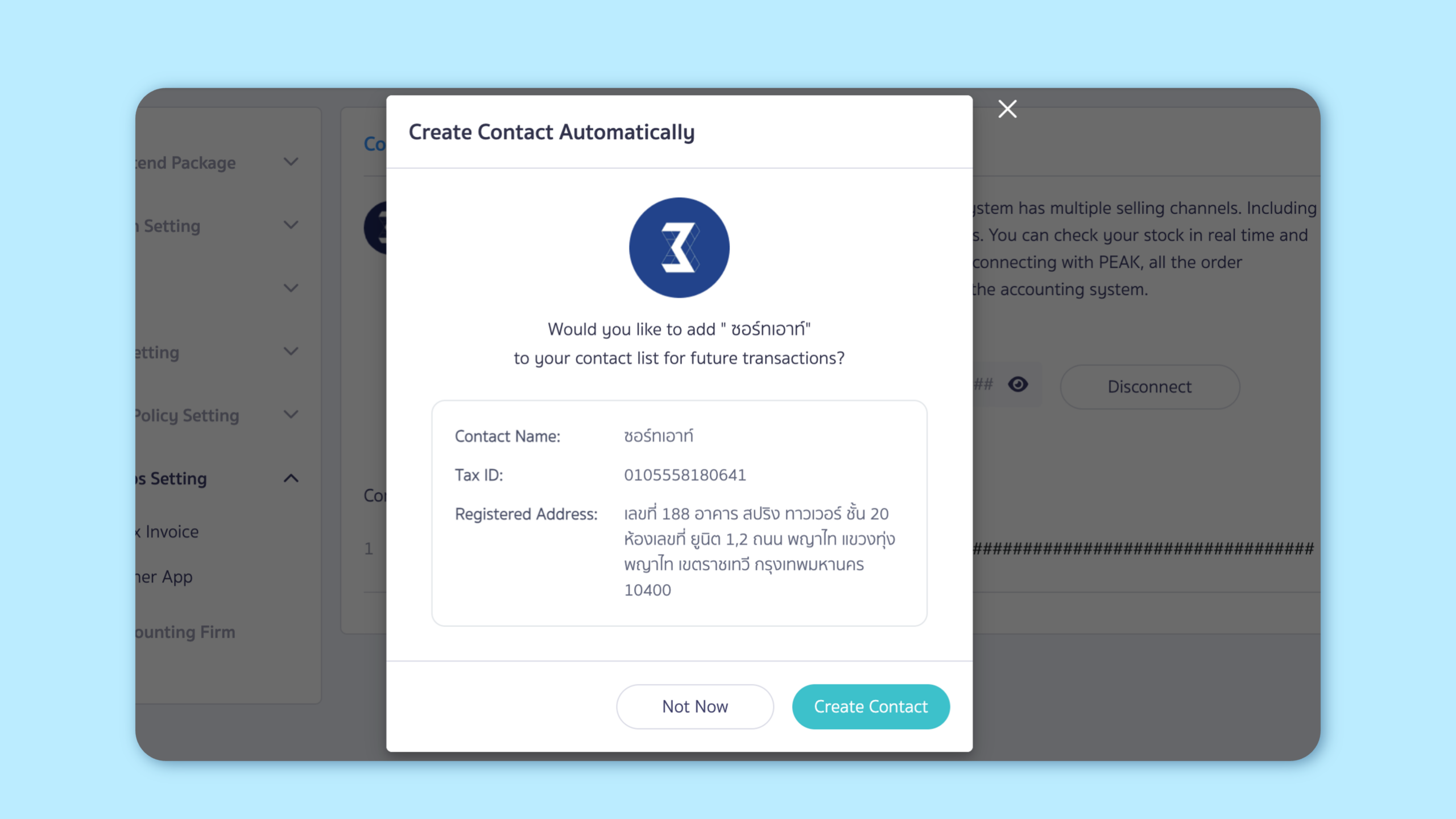
3. Improved contact creation, enabling users to instantly add contacts when connecting external applications or adding financial channels.
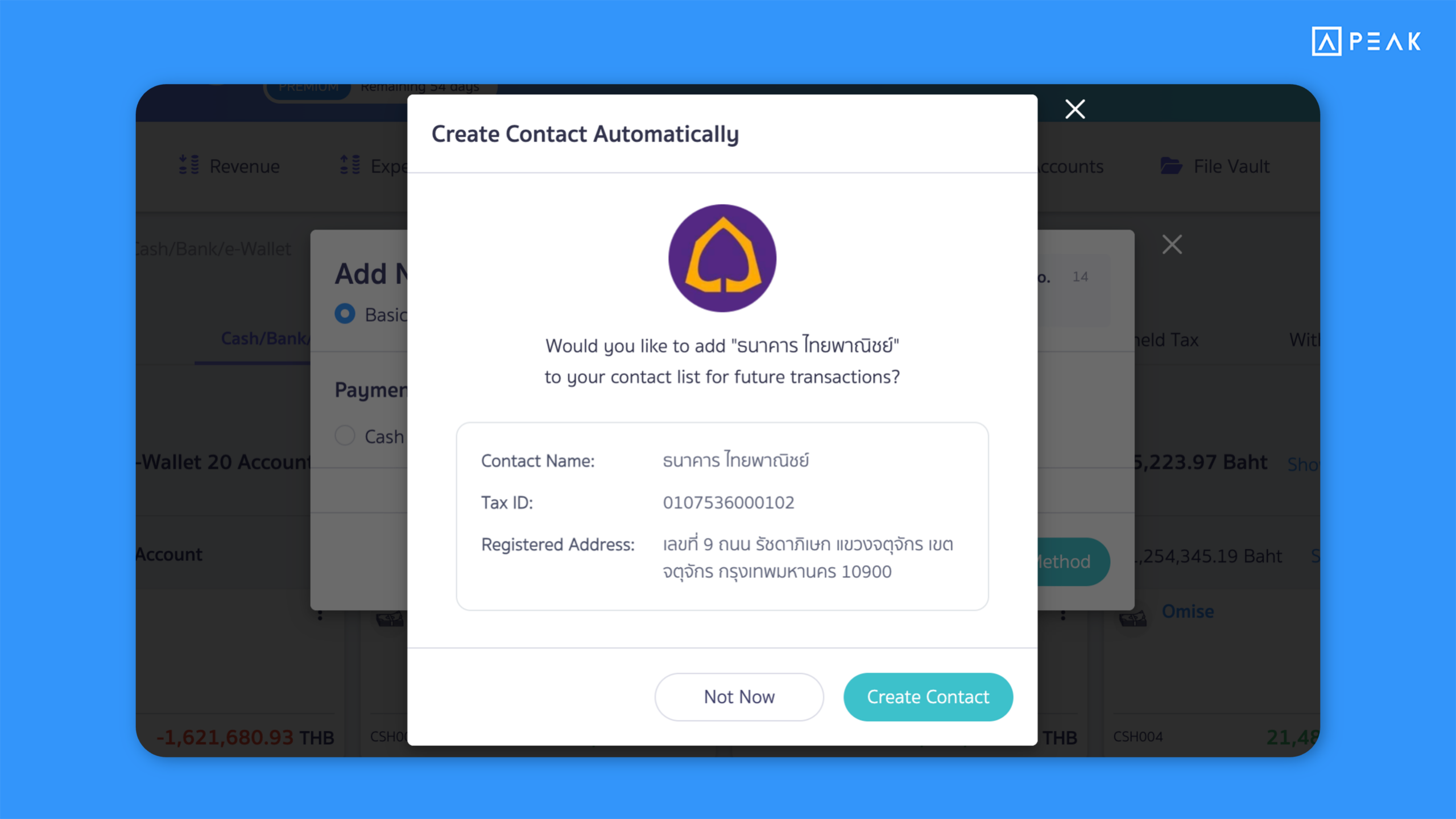
Suitable for: All package users
Highlight: When connecting external applications (API) or adding bank accounts and e-Wallet channels, the system automatically suggests related contacts to support potential accounting entries such as fees, interest expenses, VAT refunds, or withholding tax records.
Note:
- The system validates information using the 13-digit corporate registration number that matches data in PEAK.
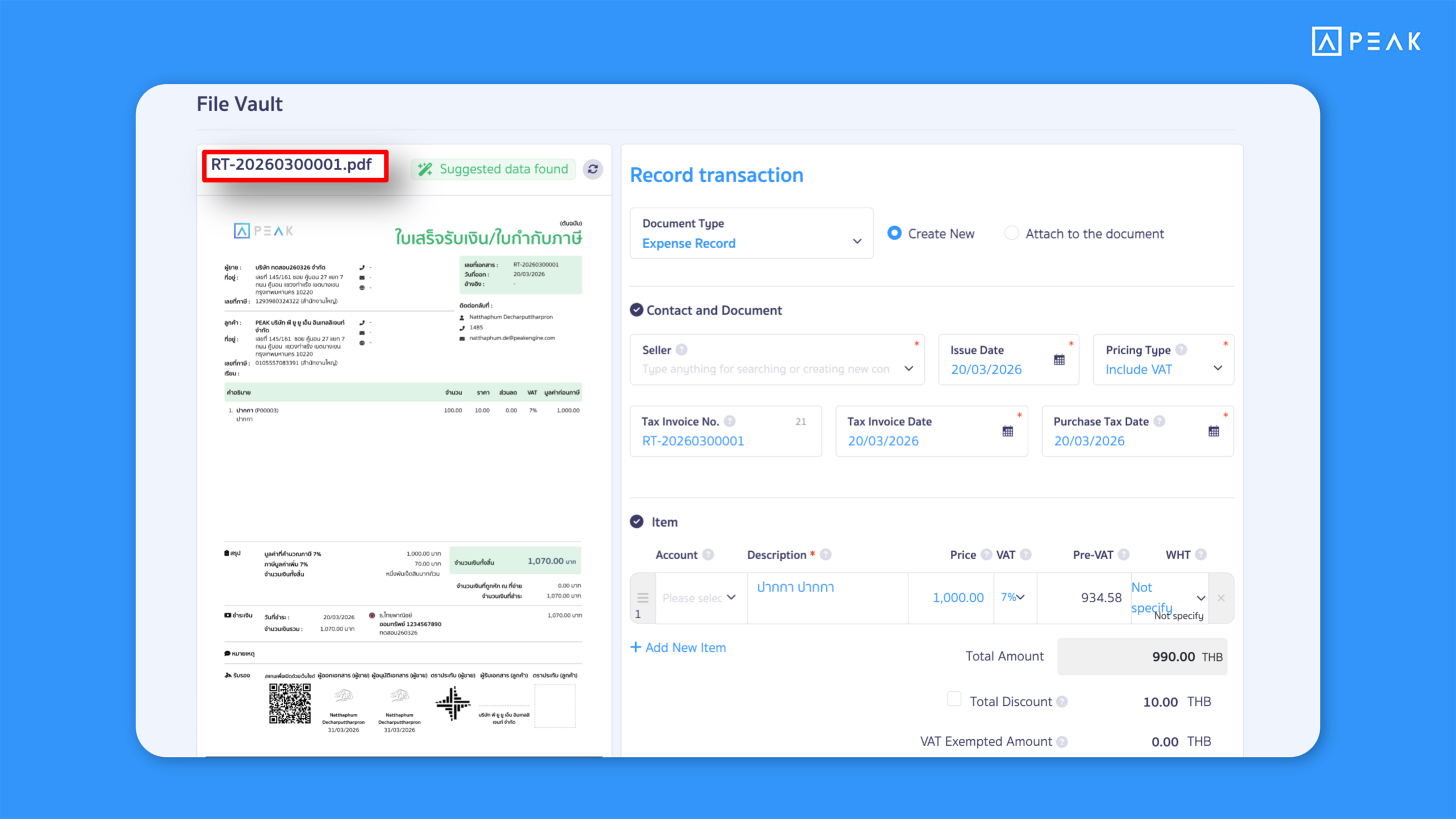
4. Added OCR data extraction from PDF files in the Document Library, allowing information to be captured and used for document creation more quickly.
Suitable for: BASIC package and above using the Document Library
Highlight: OCR capability now supports PDF files. The system reads data from uploaded files and suggests key information such as product details, document number, tax type, amounts, values, and tax rates, along with status indicators—helping reduce manual data entry time.
Note:
- OCR works with files up to 5 pages.
- Previously, OCR supported image files only.
About Author