
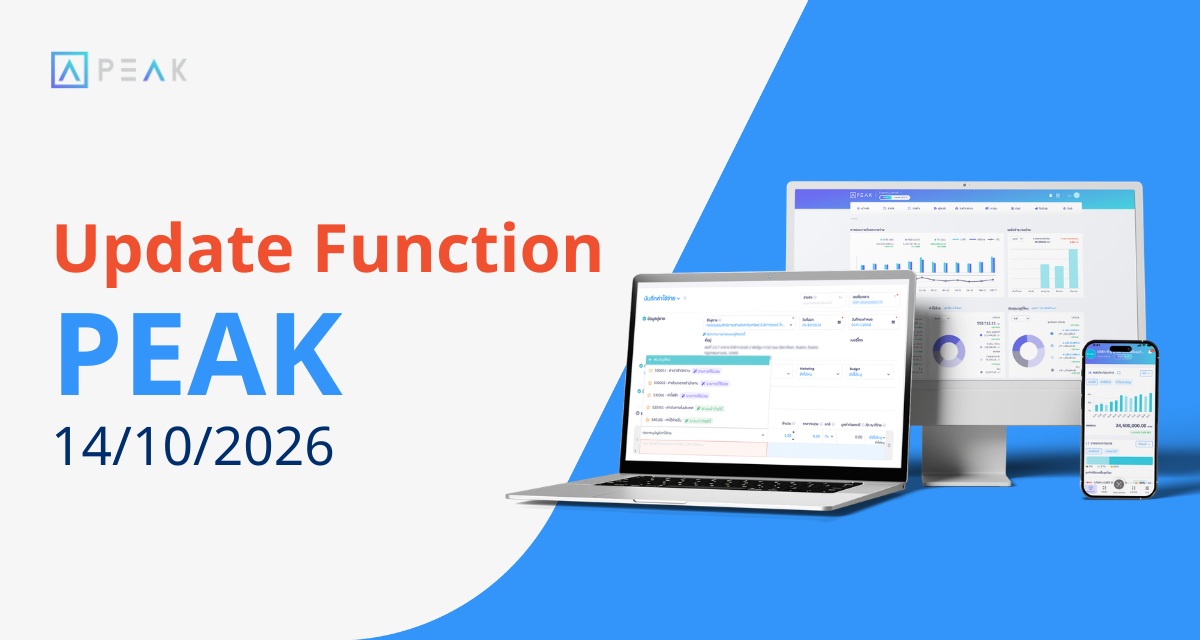
1. Select and edit the chart of accounts more conveniently
Package: Free Package and above
Where: Document Creation Page > Revenue and Expense Menu
- The system will display the chart of accounts categorized clearly, e.g., which category the account we want to select is in: Sales from product or other revenue.
- Users can now choose to edit the details of the desired chart of accounts from the document creation page.
2. Auto-Remember Payment Details
Package: Free Package and above
Where: Document Creation Page > Revenue, Expense, and File Vault
- If the receiving-paying money information was filled out the latest time: The system will display the box for quick access.
- If it was not filled out the latest time: The system will hide that box to keep the page clean and not too cluttered.
3. Attached documents now open in new tab
Package: e-Document Package and above
Where: Document Preview Page of attached files
4. Ability to edit “Employee Welfare Fund” amount
Package: e-Document Package and above
Where: PEAK Payroll menu
5. Adjusted สกล.3 file format for EWF import compatibility
Package: e-Document Package and above
Where: Payment Page in PEAK Payroll
6. Create and pull 4 new documents from PEAK via MCP
Package: PRO Plus and PREMIUM
Where: AI Connection via MCP
- IR (Goods Receipt)
- GR (Invoice Receipt)
- DR (Deposit Received Request)
- DP (Deposit Payment)
7. Pull GL Data via MCP
Package: PRO Plus and PREMIUM
Where: AI Connection via MCP
- Date
- Transaction Description
- Account No.
- Sub-account No.
- Beginning Balance
- Ending Balance
- Total of Change
8. Manual format setup for continuous paper printing
Package: e-Document Package and above
Where: Print Preview (Read more)
About Author

บทความยอดนิยม
Update Function PEAK 24/06/2026
Update Function PEAK 08/07/2026
Update Function PEAK 22/07/2026
บทความที่เกี่ยวข้อง
Update Function 27/11/2024
Update Function 13/11/2024
Update Function PEAK 11/02/2026